
Documentation / Administration
Administration
This documentation is in English.
Manage users, sign-in, settings and the audit log.
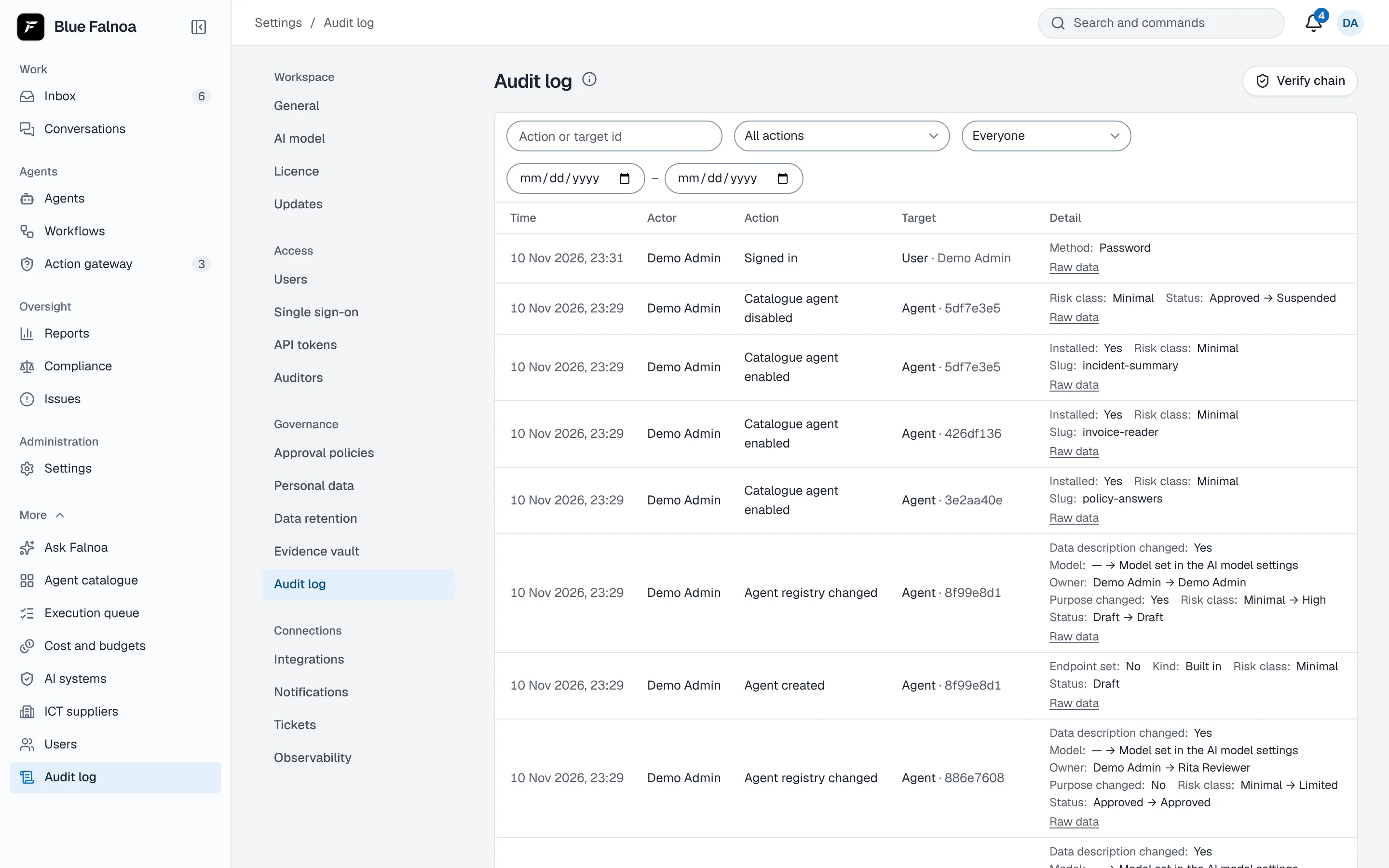
Settings, Users and Audit log are in the Administration group and are visible to administrators only. Settings has four sections: Workspace, Access, Governance and Connections.
Roles
| Role | Can |
|---|---|
| Admin | Manage users, agents, knowledge and workflows, change settings and read the audit log. |
| Operator | Chat, check answers, run evaluations and workflows, work on issues. |
| Viewer | Read what operators see, and change nothing. |
Access is also given agent by agent, to a person or a group, and a person with no access to an agent does not see it anywhere. See Access and permissions in this guide.
Users
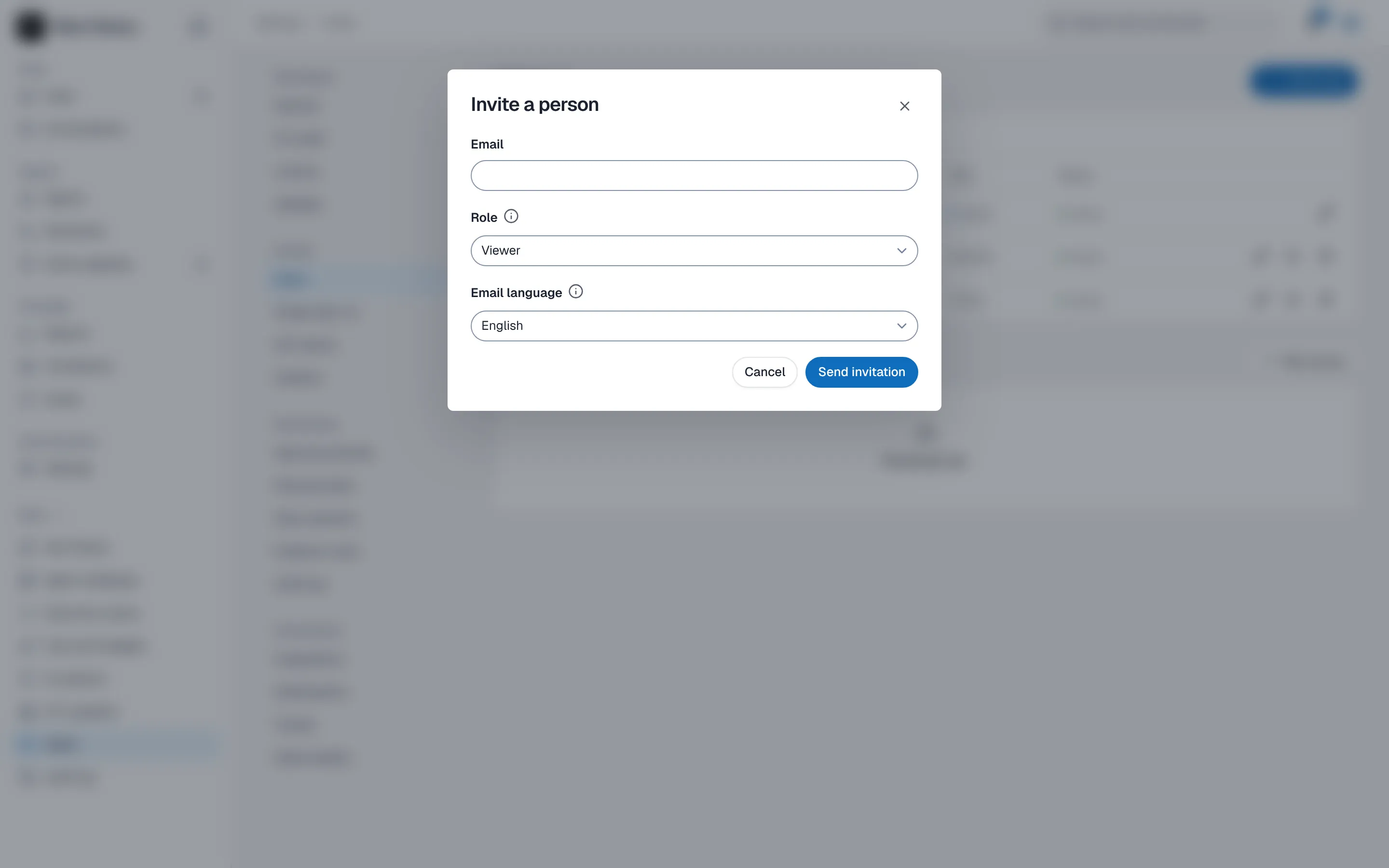
Users, under More in the Administration group, lists the people who can sign in. Choose Invite user to send an invitation by email. Deactivate signs a person out and stops them signing in again. Their history stays, and you can reactivate them later. Sign out everywhere ends every session of a person.
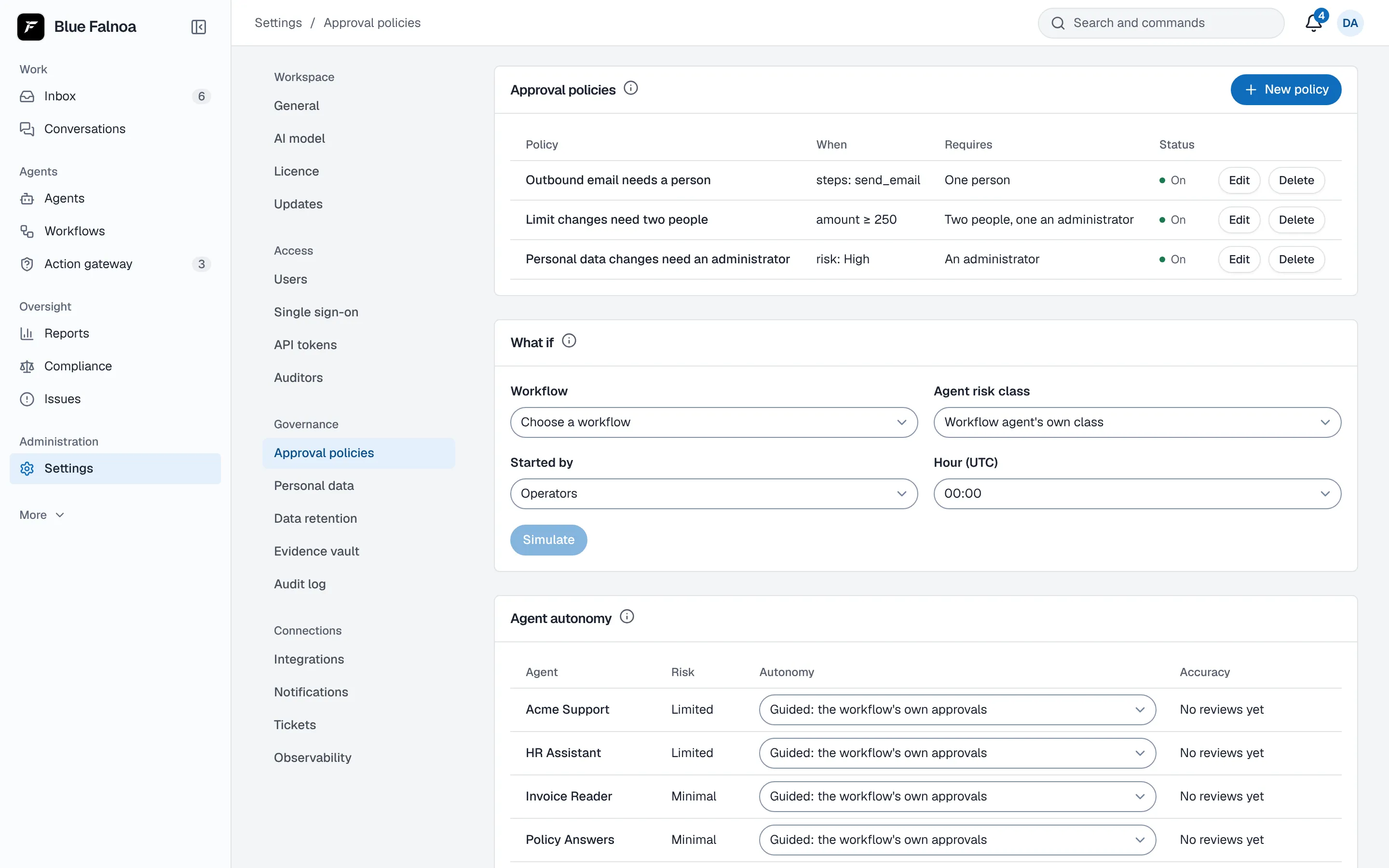
Settings
| Section | Pages |
|---|---|
| Workspace | General, AI model, Licence, Updates |
| Access | Users, Single sign-on, API tokens, Auditors |
| Governance | Approval policies, Personal data, Data retention, Evidence vault, Audit log |
| Connections | Integrations, Notifications, Tickets, Observability |
- AI model: connect any OpenAI-compatible model. Without one, built-in agents answer from published knowledge only, and the app shows an Offline model notice.
- Single sign-on: let people sign in with the company account. Keep at least one local administrator (a break-glass account) in case single sign-on is down.
- API tokens: let scripts and other systems use Blue Falnoa without a person signing in. A token is shown once and can be revoked at any time.
- Auditors: read-only accounts that expire on their own.
- Approval policies: raise the approval needed for actions by amount, risk or time of day.
- Personal data: choose whether emails, IBANs, tax numbers and card numbers in messages are ignored, flagged or hidden.
- Data retention: delete old data automatically. Nothing is deleted until you set a policy.
- Notifications: send email and one shared webhook (Microsoft Teams, Slack or other). Email needs an SMTP server.
Audit log
Audit log shows who changed what, newest first. It never contains passwords or other secrets.