
Documentation / Agents
Agents
Create an agent, give it knowledge, test it and keep it under control.
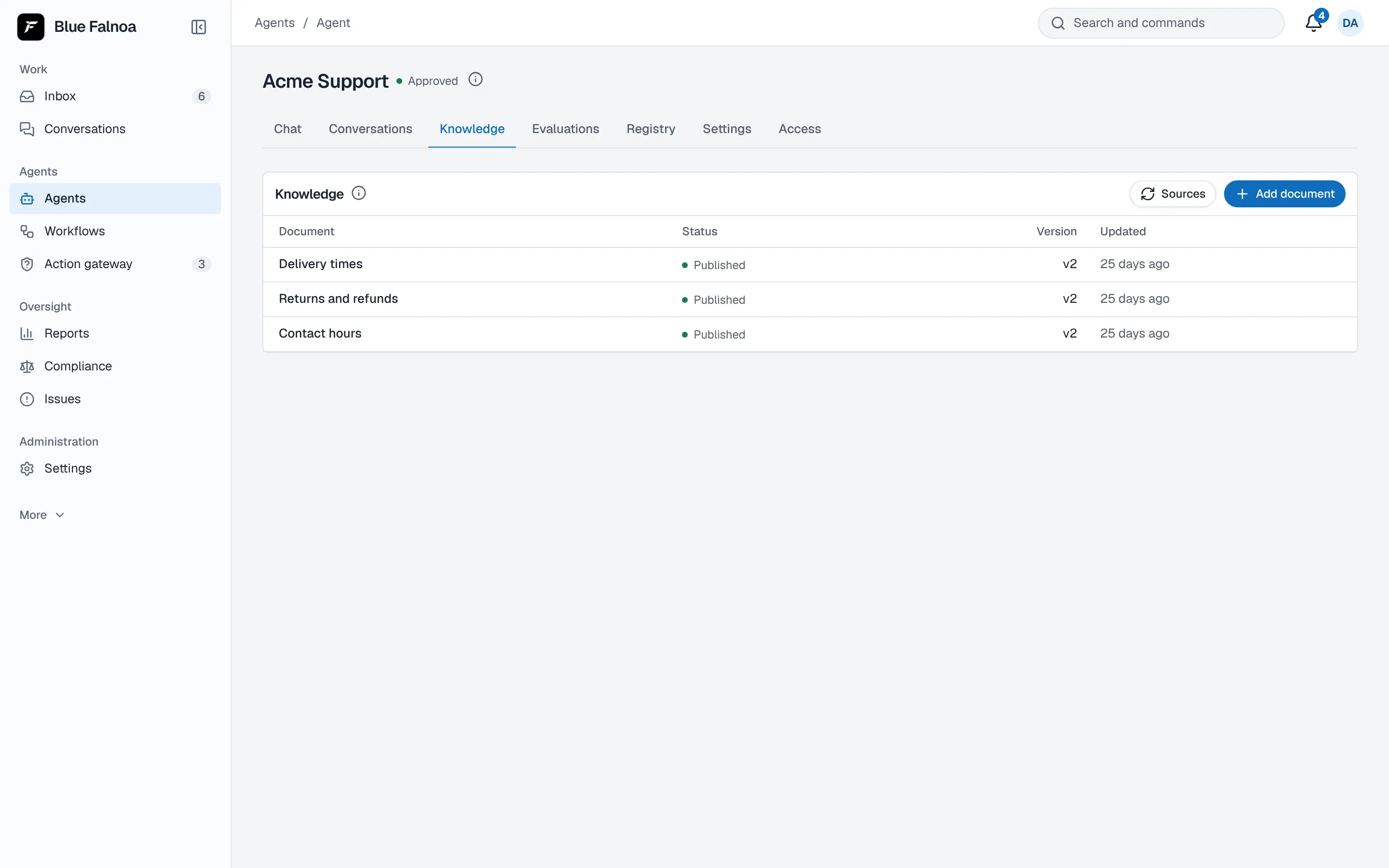
Agents lists every agent in your workspace. Select one to open it. Use Show archived to see the ones that were retired.
Tabs of an agent
| Tab | What it is for |
|---|---|
| Chat | Talk to the agent. |
| Conversations | Conversations this agent has had. |
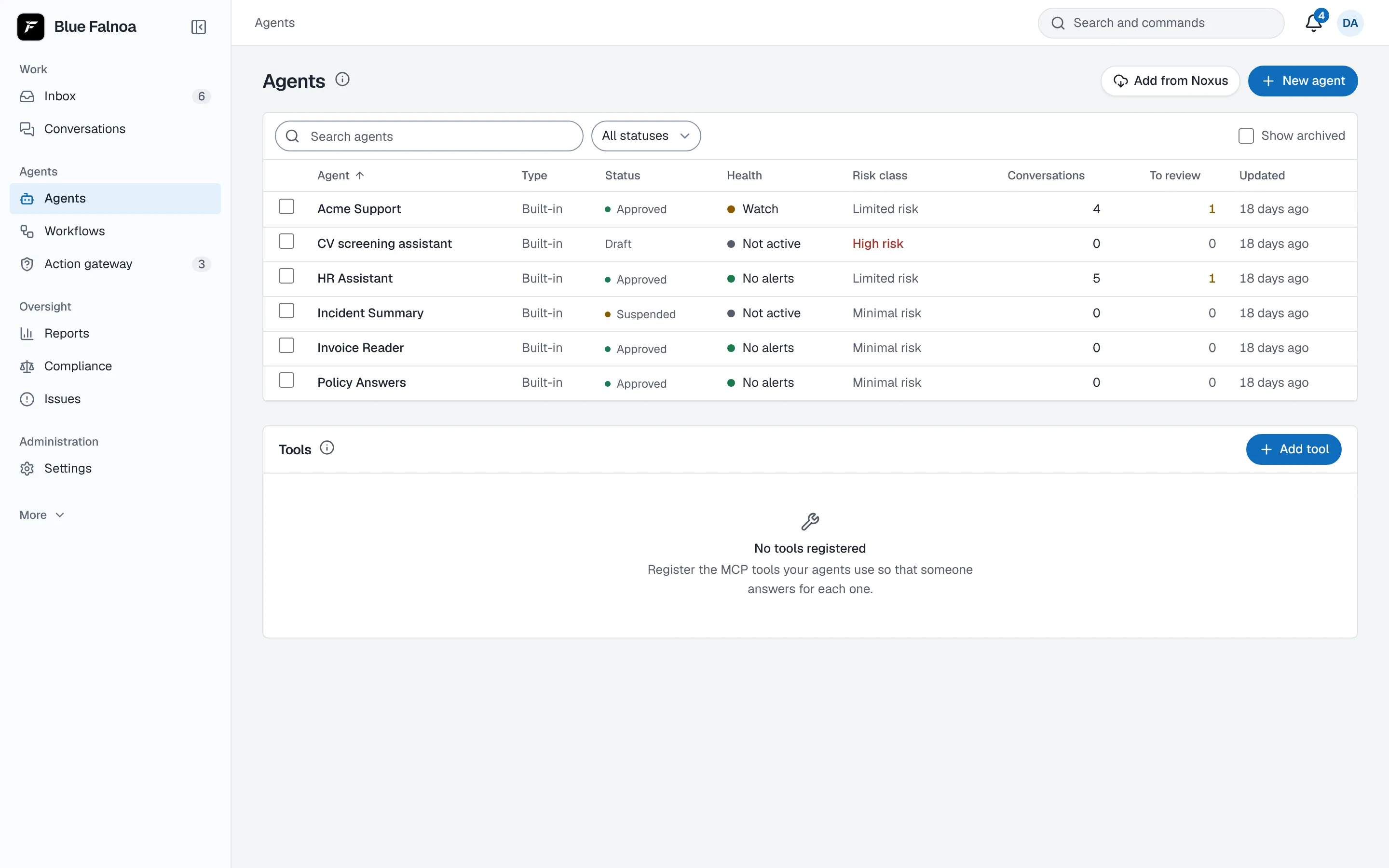
| Knowledge | The documents the agent answers from. |
| Evaluations | Reference questions that measure answer quality over time. |
| Settings | How the agent is set up and connected. |
| Registry | Owner, purpose, model, data used, risk class and whether the agent may be used. |
Approve an agent
A new agent cannot receive conversations until it is approved. Open its Registry tab, fill in who answers for it and what it is for, and set the status to approved. Visibility is restricted at first: only administrators, the owner and people who were given access can see it.
Knowledge
Choose Add document in the Knowledge tab and write or paste your policies, FAQs and procedures. Save keeps a draft. Publish makes the document live, and the agent uses only the published version. Every change is kept as a version.
Evaluations
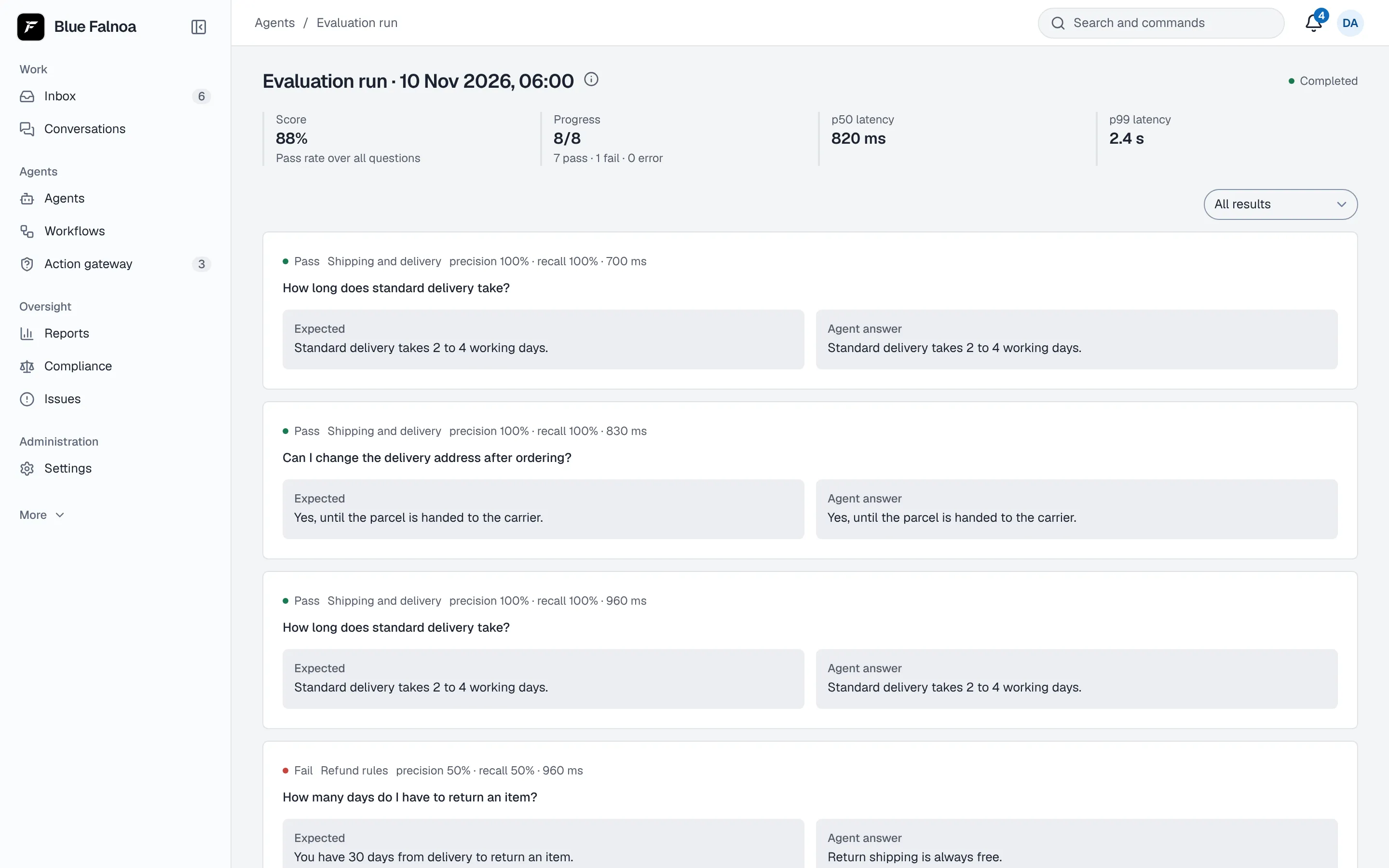
An evaluation set is a list of questions with the answers you expect. Choose New set to create one, then Run selected. Each answer is scored against the expected answer, so you can see whether a change made the agent better or worse. Runs can be compared and scheduled.
Stop an agent
Setting the status of an agent to suspended stops its conversations and cancels its running workflow steps at once. In Agent catalogue, switching an agent off does the same. An administrator can also quarantine an agent so that its messages wait for approval.