
Documentation / Workflows and approvals
Workflows and approvals
Run processes with agents and decide what an agent may do.
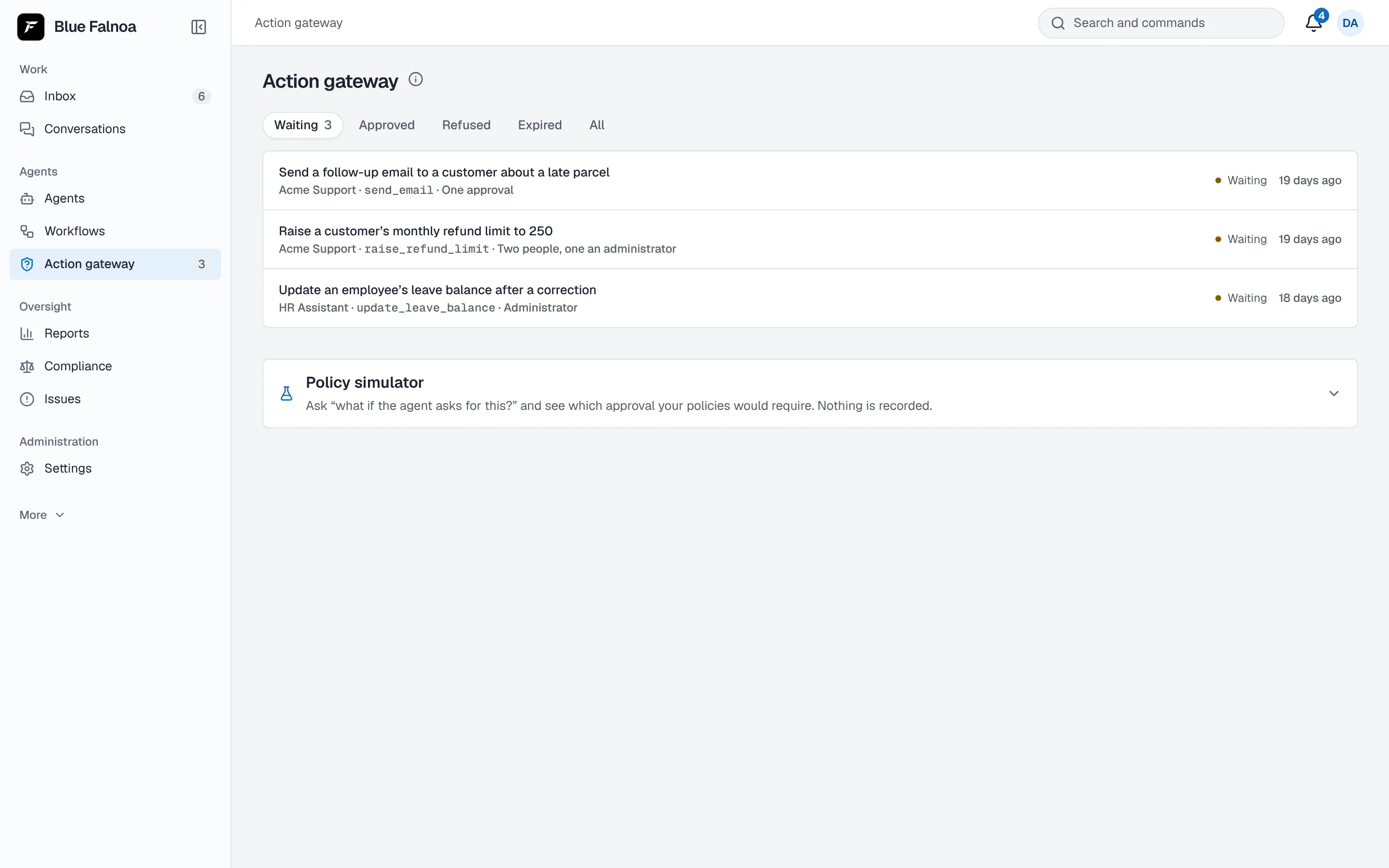
Workflows
Workflows lists processes made of steps. A step can be done by an agent or wait for a person to approve. Choose New workflow to create one. When you save a change, a new version is created, and runs that already started keep the version they started with.
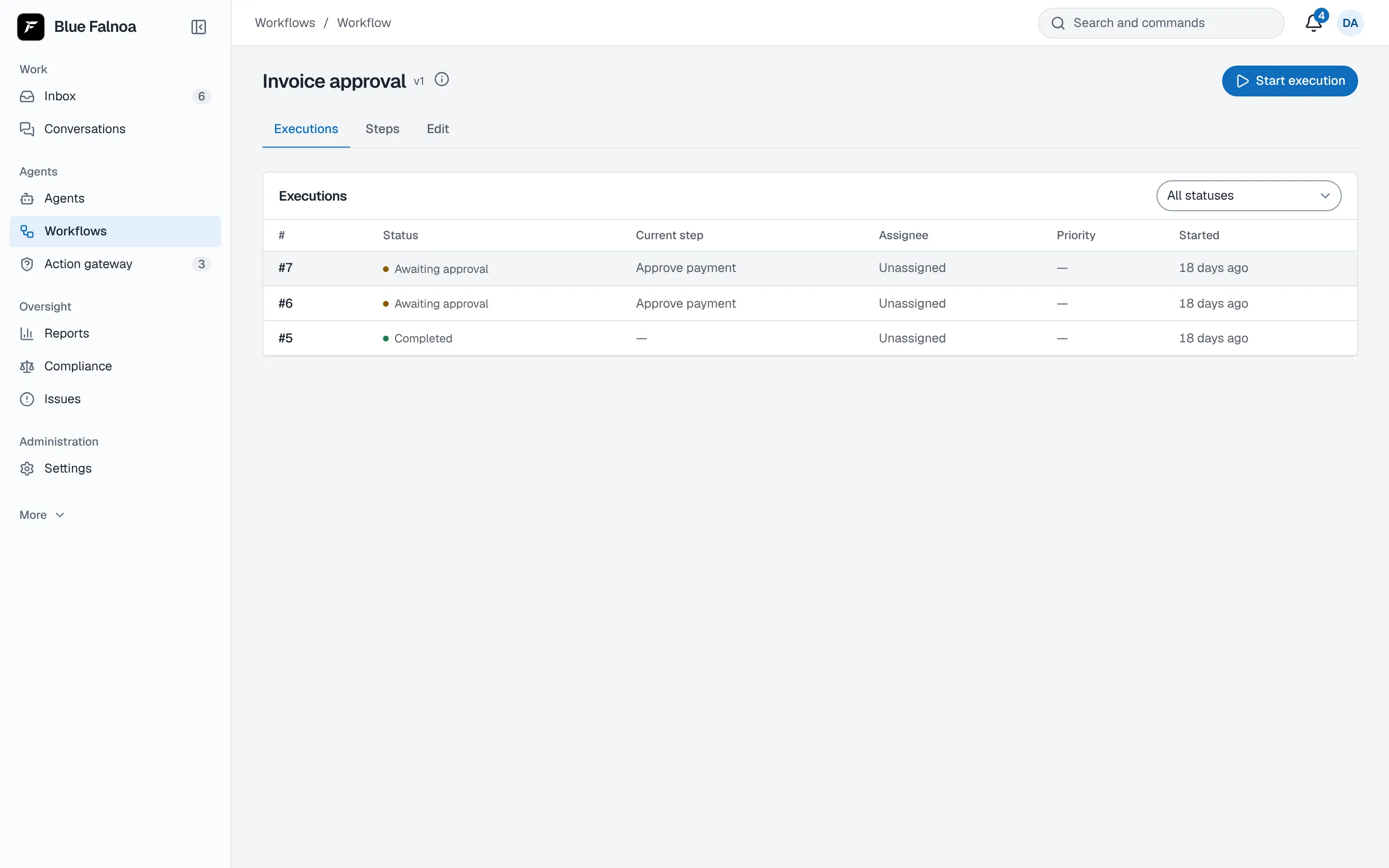
Runs
Open a workflow to run it. Open a run to follow it step by step, stop it, retry a failed step, or take over a step by hand. Execution queue, under More in the Agents group, lists every run of every workflow. Select several to approve, refuse, retry or cancel them together, or select two to compare them.
Action gateway
Action gateway is where agents ask before they act, for example before paying an invoice or sending a message. Nothing happens until the people your policies require have decided.
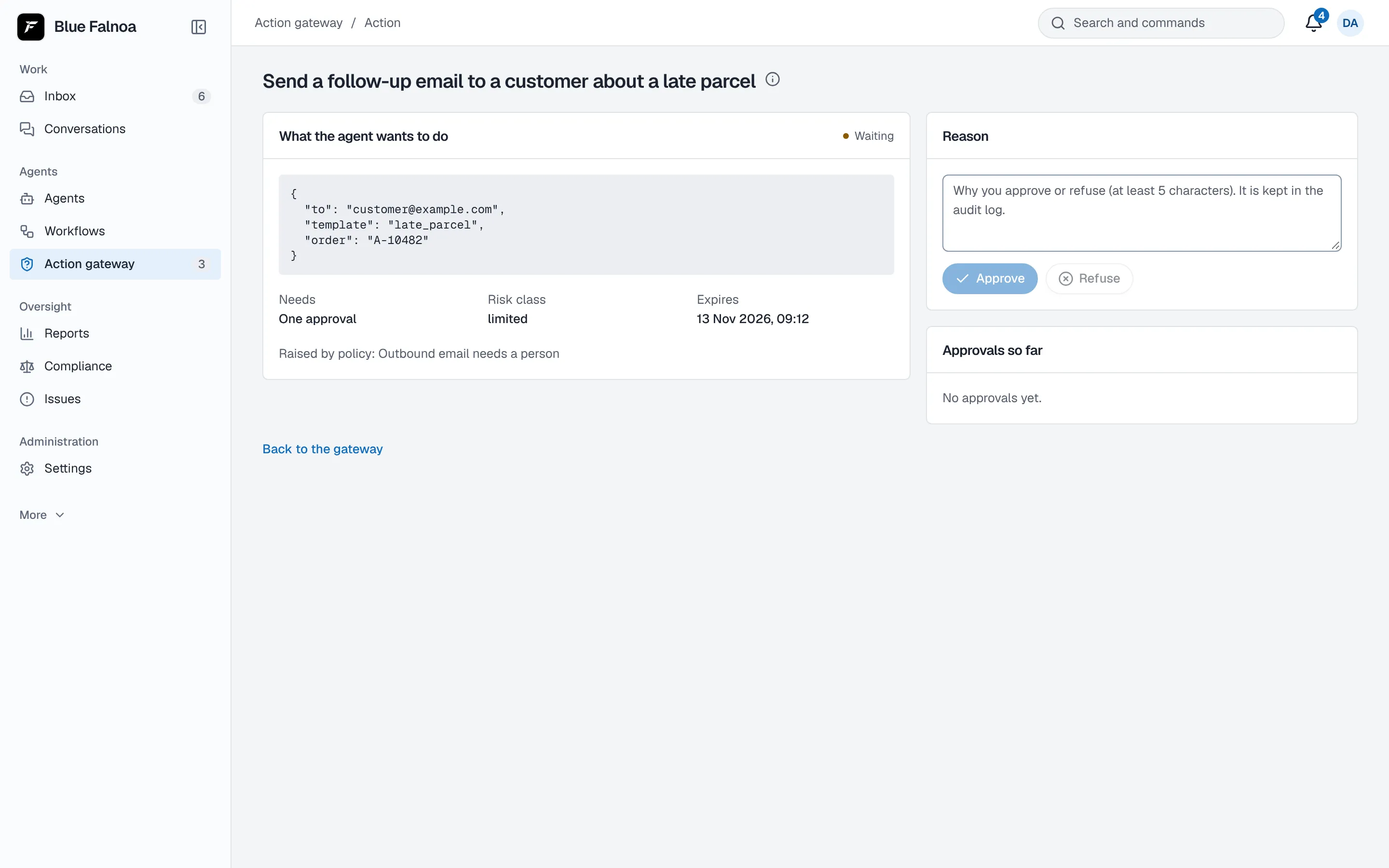
- Open Action gateway. The Waiting tab lists requests that need a decision.
- Open a request and read what the agent wants to do and why.
- Approve or Refuse, and write a short reason.
The other tabs show Approved, Refused and Expired requests. A request nobody decides expires on its own. Some requests need two people, or an administrator. The request says so.